ROBLOX GAME DESIGN
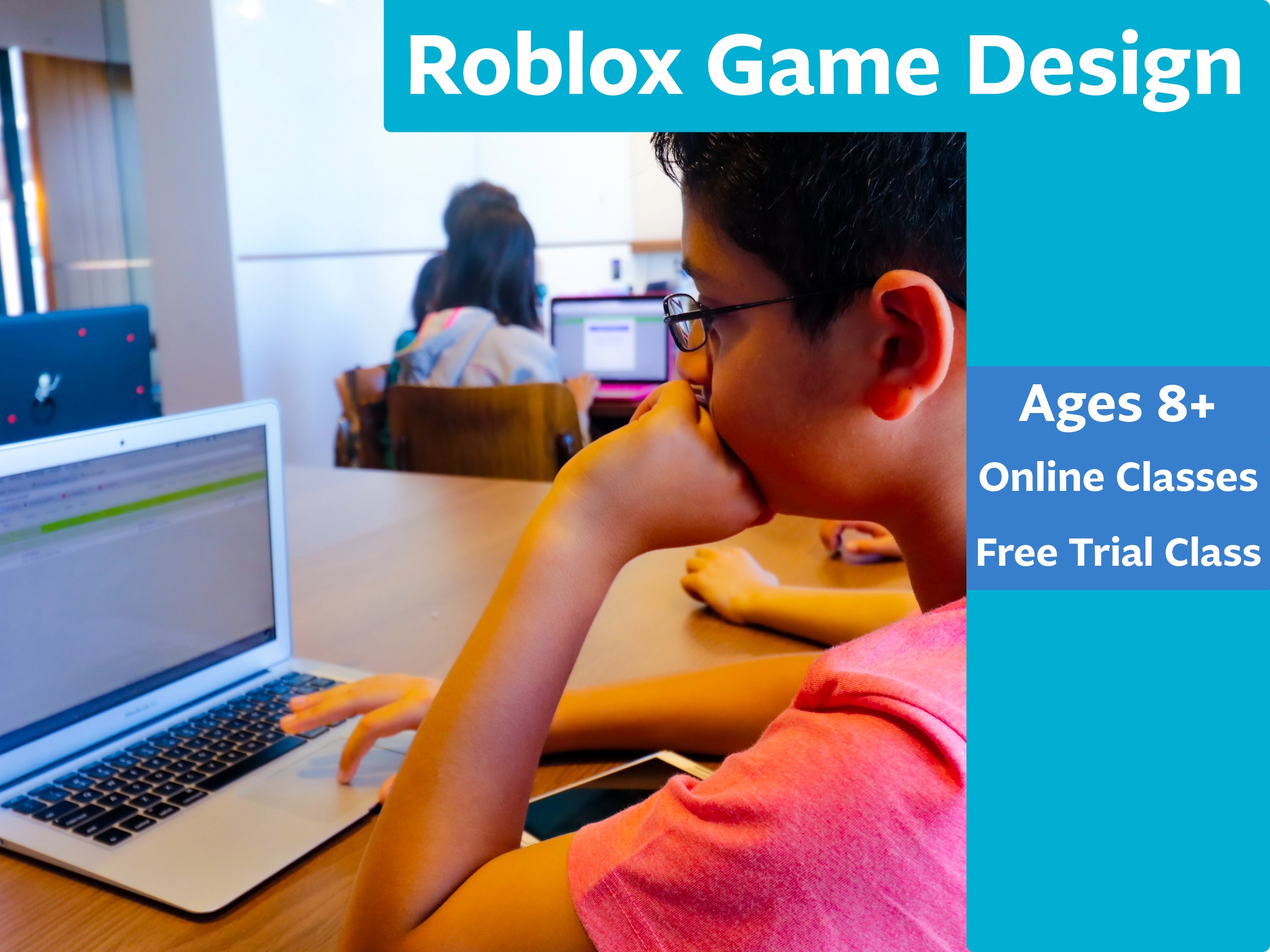
AGES 8+
Beginner-friendly. 4 Classes. Maximum 5 students.
Design and publish a playable Roblox Obby in four focused classes guided by our founder, Tamzid. Clear steps, creative builds, complete project and a clear path for continued learning.
Course Details
Level
Beginner. Suitable for ages 8 and above
Format
Live online via Zoom. English instruction. Small group with maximum 5 students
Duration
4 classes, 1 hour per class, total 4 hours
Starting
Saturday, 14 March 2026
Fees
HK$1,580
Trial Class
Free 1‑hour Trial Class available
Early Bird
HK$1,380 until 9 March, 2026
Referral DISCOUNT
Enroll with a friend. Both students pay HK$1,280
Course Overview
A premium, step by step introduction to Roblox creation.
Students learn core building skills and simple scripting to bring an Obby to life. Each class combines short instruction with guided builds and playtesting. By the end, every learner shares a polished mini game with checkpoints and hazards, and a short demo.
Course Curriculum
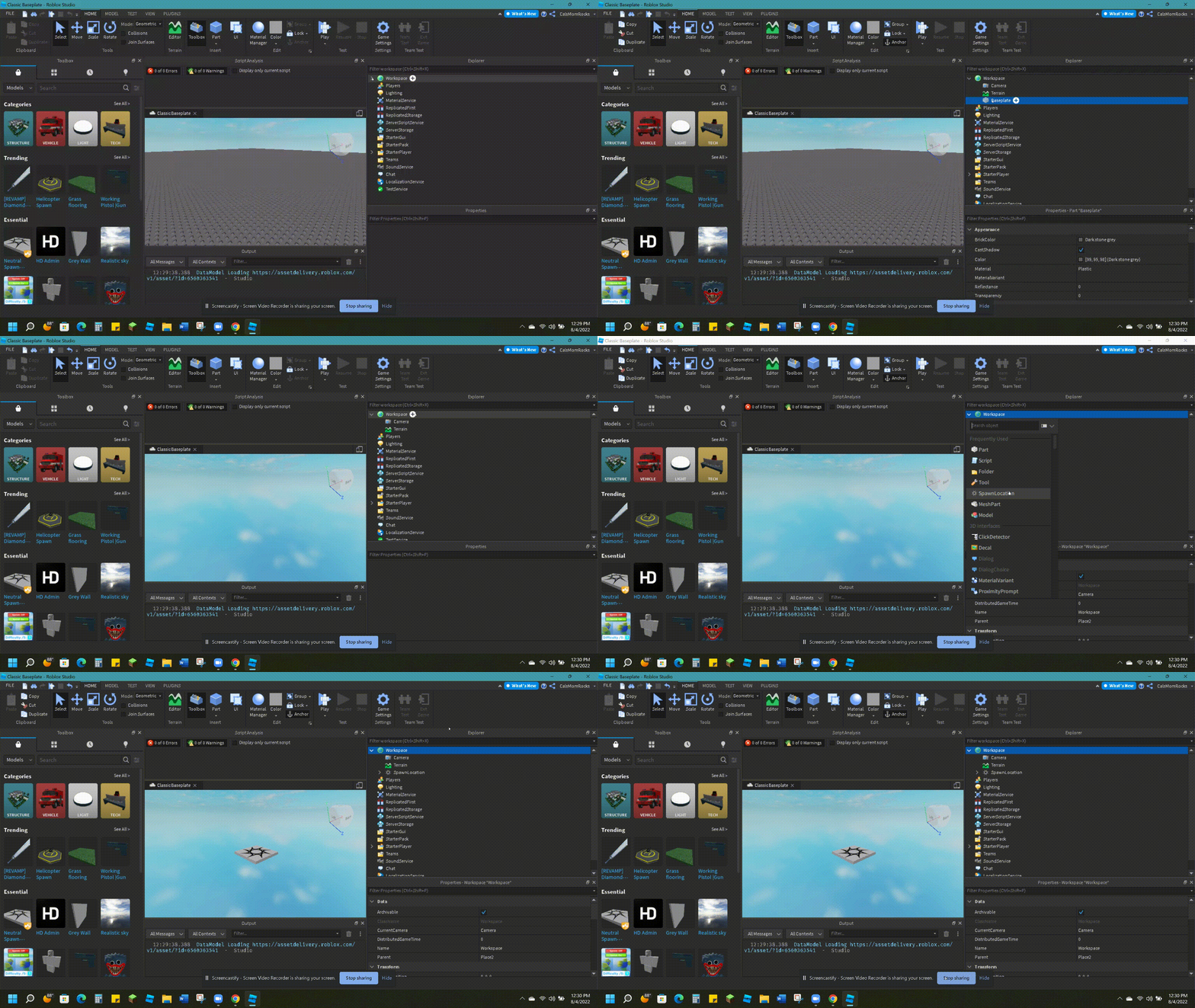
Class 1: Studio Setup and World Basics
Install and set up Roblox Studio, learn navigation, parts, and properties. Build your first platforms and a simple path with clean alignment.
Class 2: Checkpoints and Movement Flow
Add spawn points and checkpoints that save progress. Shape an Obby flow with platforms, ladders, and simple jumps that feel fair and fun.
Class 3: Hazards and Game Feel
Create basic obstacles such as lava floors and moving parts. Tune difficulty with spacing, timing, and quick playtests to improve the feel.
Class 4: Polish, Publish, and Showcase
Add signage, skybox, and lighting for polish. Set privacy to Friends or Private, publish safely, record a short demo, and present the final build.
Course Schedule
Groups and Times
Saturday Group: 3:30PM to 4:30PM
Sunday Group: 11:00AM to 12:00PM
Class Dates
Saturday Group: 14 Mar, 21 Mar, 28 Mar, 11 Apr 2026
Sunday Group: 15 Mar, 22 Mar, 29 Mar, 12 Apr 2026
Free Trial Class
Trial Weekend 1
- Saturday, 28 February 2026 — 3:30PM to 4:30PM
- Sunday, 1 March 2026 — 11:00AM to 12:00PM
Trial Weekend 2
- Saturday, 7 March 2026 — 3:30PM to 4:30PM
- Sunday, 8 March 2026 — 11:00AM to 12:00PM
Equipment Preparation
Computer with Chrome and Zoom, Roblox Studio installed. A mouse improves precision for building.
Tools We Will Use
Roblox Studio for building and playtesting, Roblox account for publishing.
Course Takeaways
A completed project, class notes for every class, and a roadmap for further learning.
FAQ
1. Does my child need any prior experience with Roblox Studio or coding?
No. We start with the basics of building and simple logic. The focus is on clear steps and a successful first project.
2. What should be installed before the first class?
Roblox Studio and Zoom should be installed and tested. Please sign in to the Roblox account and verify Studio opens correctly. A mouse is recommended.
3. Will my child publish their game on Roblox?
Yes. We use safe publish settings such as Friends or Private. Students learn how to share a link responsibly with family and friends.
4. How large is the class and how is support provided?
Maximum 5 students per group. The instructor provides personal guidance during build steps and short playtests each class.
5. Is there a trial class available?
Yes. We offer a 1-hour Online Trial Class, allowing your child to experience the format before enrolling.